

The Ultimate Gaming Setup Guide (2026)
A good gaming setup today is far more than just a desk with a PC. It determines how comfortably you play, how focused (and therefore successful) you remain – and, frankly, how much fun gaming is in the long run.
The good news: You don't need to be a professional or spend a fortune to build a strong setup. This guide clearly and understandably shows you what really matters.
What really makes a good gaming setup today
When many people think about a setup, large monitors, RGB lighting, or particularly expensive hardware immediately come to mind.
To get started right away, your key setup should first cover these aspects:
- Control – i.e., mouse, keyboard, and sufficient freedom of movement
- Comfort – Ergonomic products so your body can still keep up even after hours
- Focus – A good headset and an environment without unnecessary distractions
- Performance – Equipment you can rely on
If these four factors are right, you're ready to go. So, what exactly do you need?
Start with what you actually use all the time.
A mistake many gamers make: The budget is first spent on flashy hardware, while skimping on the components that are used constantly.
That's why it's worth starting right there.
Mouse
Your mouse is your direct connection to the game. Precision starts here.
Things you should pay attention to:
-
a size that fits your hand
-
a weight that can be moved in a controlled manner
-
a reliable sensor
Very high DPI values may sound impressive, but most gamers rarely use them. What's more important is that the mouse feels natural in your hand and meets standard technical specifications.
Keyboard
"E-sports keyboards"—those with high specifications and frequently used by esports players—certainly have their place and could be the right choice for you. However, not every good keyboard is necessarily the one used in esports. What's more important is that it suits your gaming and typing style.
Pay special attention to:
-
a pleasant typing feel
-
precise triggering
-
stable construction
Mechanical keyboards feel more straightforward to many than reverb-effect keyboards. "You know where you stand." The crucial point here is this: if everything still feels good after several hours, you've usually made the right choice.
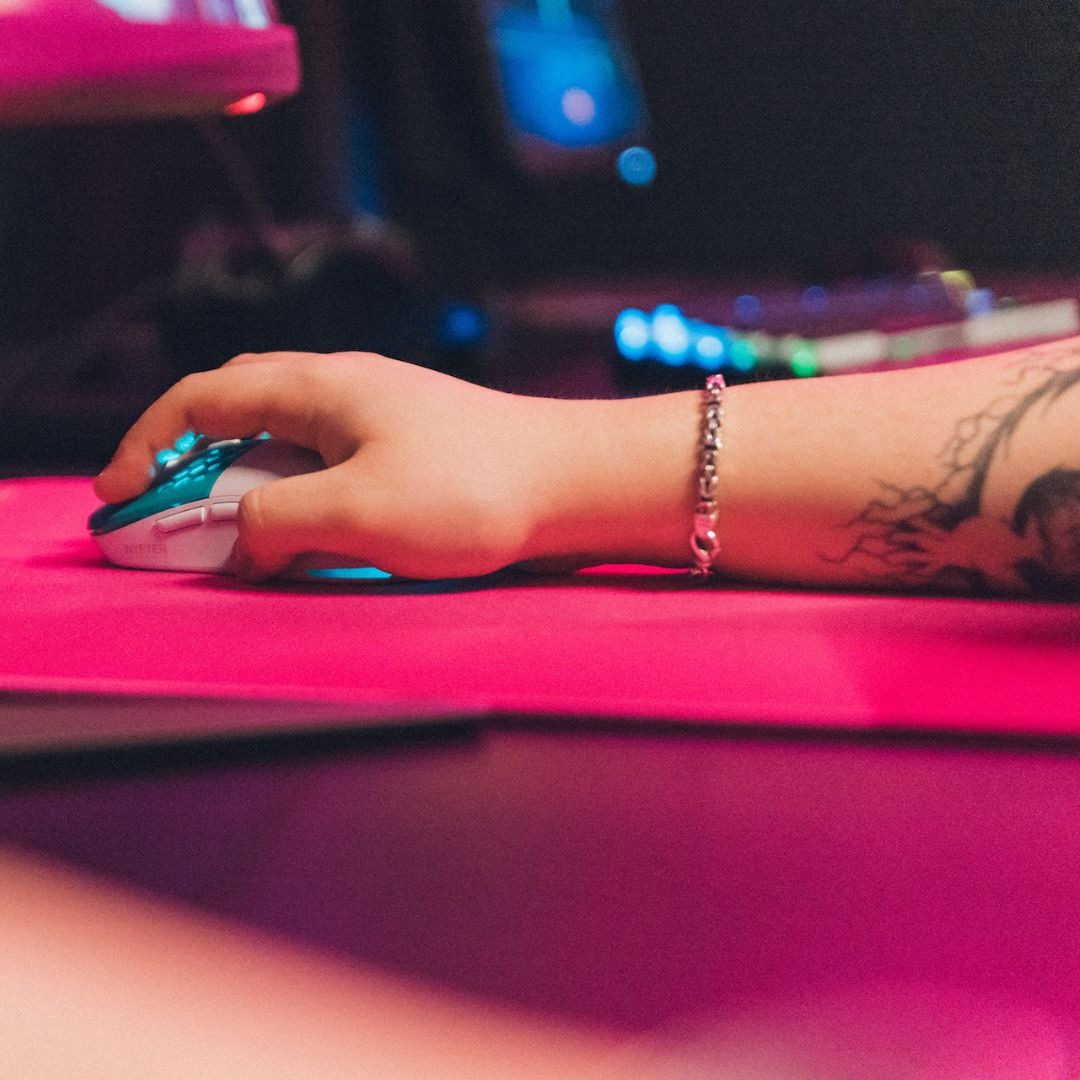
XXL mousepad
A large mousepad is one of those upgrades whose effect you usually notice immediately.
More space means:
-
freer mouse movements
-
more consistent aiming movements
-
a calmer overall setup
Additionally, the desk appears more structured – a small factor that contributes surprisingly much to focus.
Do you have specific requirements for a mousepad, for example regarding the surface or the base? Then there are of course many other options for you, but with an XXL mousepad you have a solid base that will get you through many hours of gaming.
Headphones / Headset
Good sound is often only noticed when it's missing.
High-quality headphones will help you with this:
-
To locate opponents more precisely
-
to perceive details earlier
-
to stay focused for longer
You don't need studio equipment. But a well-thought-out audio setup makes a bigger difference than many people expect. Here, you can primarily choose between headsets that combine sound and microphone, or a separate combination of headset/IEM and external microphone.
Step 2 – The desk: The foundation of your setup
Your desk determines how freely you can move – and thus indirectly also your precision.
Here's what you should pay attention to:
-
at least 140 cm width
-
a stable tabletop (no sagging, no wobbling)
-
Sufficient depth for a comfortable monitor distance
A table that's too small often leads to a cramped posture without you even realizing it. This is rarely noticeable immediately, but it becomes apparent over longer sessions. Therefore, it's best to plan for a slightly larger table. Setups almost always evolve.
Step 3 – The monitor: Performance before size
A large screen looks impressive – but for gaming, something else is more crucial: a smooth image.
Brief overview:
-
144 Hz → a clearly noticeable upgrade compared to 60 Hz
-
240 Hz → particularly interesting for fast-paced shooters
-
360 Hz → primarily relevant for highly ambitious competitive gaming
The jump from 60 to 144 Hz drastically changes the gaming experience. Anything beyond that is a matter of fine-tuning. Instead of buying the maximum refresh rate right away, I recommend choosing a system that's a good fit.
Step 4 – The chair becomes more important than many think
If your back gets tired after two hours, even the best hardware won't help.
A good chair ensures that you automatically sit in a stable and supported position.
Pay attention to:
-
adjustable height
-
solid lumbar support
-
stable armrests
A higher price doesn't automatically guarantee better ergonomics. The crucial factor is that the chair fits your height.
Step 5 – Structure creates focus
Very good setups are rarely recognized by the hardware alone – but by the environment.
Three simple optimizations with a big impact:
Indirect light → more pleasant for the eyes
Cable management → reduces visual clutter
Open space → more room to move around
A tidy setup not only looks better – it also helps you stay more focused.
How much does a good gaming setup cost?
It depends heavily on your preferences, but let's outline it roughly:
-
Solid entry-level setup: approx. €700–1,000
-
Very powerful setup: approx. €1,000–1,800
-
High-end: from €2,000+
Your setup doesn't have to be perfect right away.
Few people build their ideal setup in a single weekend – and that's perfectly normal.
Start with a stable foundation:
👉 a precise mouse
👉 a suitable keyboard
👉 plenty of space
👉 clear audio
After that, you can optimize step by step – where you notice real improvements.
Conclusion: Build a setup that suits you.
A good gaming setup is not a status symbol – but something that makes gaming noticeably more enjoyable.
When control, comfort, and focus come together, gaming suddenly feels easier and significantly more relaxed. And that's ultimately what it's all about.